



Let's Get Started
This page is a comprehensive resource on best practices, safety, and maintenance tips for your new Dock Log 2.0.
Questions? Call 651-560-2038. Otherwise, email support@paddlenorth.com. Our team is here to ensure you have a blast on the water. Thank you for supporting our small business.
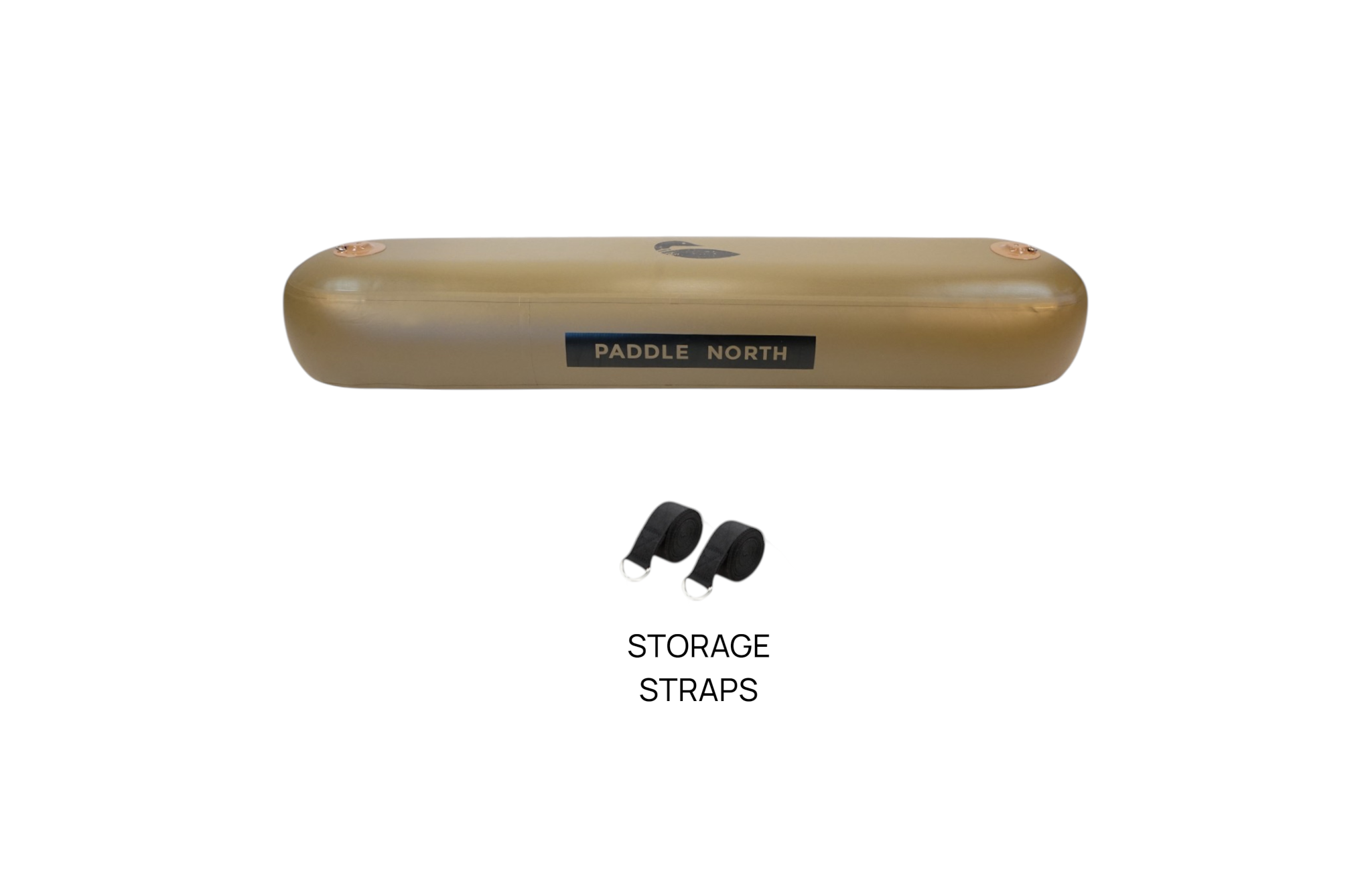
What's Inside?
Your kit should include your Dock Log and Storage Straps.
Getting Started
Getting Started
Read all safety instructions and guidelines found below. Commit to always wearing a life jacket and make safety a priority on the water.
Safety Instructions - Please Read
Please read this manual carefully before use.
Failure to follow these safety instructions and precautions may result in serious personal injury or death.
The warnings, cautions, and instructions in this manual cannot cover every possible condition or situation that may occur. It is the responsibility of the operator to use good judgment and common sense when using this product.
Do not allow anyone to assemble or use the Dock Log 2.0 until they have read this manual and understand how to use it safely.
This product is not a life-saving device.
A U.S. Coast Guard-approved Personal Flotation Device (PFD) should be worn or readily accessible, as required by local laws and regulations.
Never use the Dock Log 2.0 while under the influence of drugs or alcohol.
Do not use this product if you are unable to swim.
Do not use the Dock Log 2.0 in rough water, strong currents, storm conditions, or when lightning is present.
Use caution when getting on or off the Dock Log 2.0, especially when surfaces are wet.
Consult your physician before using this product. Only use the Dock Log 2.0 if you are in good physical health.
Users are responsible for their own safety and the safety of others while using this product.
Do not overinflate. Inflate only within the recommended PSI range.
Inspect the Dock Log 2.0 before each use for signs of damage, excessive wear, or defective components. Replace damaged parts as necessary.
Do not use the product if it is damaged or appears unsafe.
Keep a safe distance from motorized boats and other watercraft while using the Dock Log 2.0.
Always ensure the product is being used in water deep enough to prevent contact with the bottom or underwater hazards.
Before use, inspect the surrounding area for rocks, debris, submerged objects, or other hazards.
Always carry the Dock Log 2.0 to and from the water. Do not drag it across rough or abrasive surfaces.
Anyone under the age of 18 should only use the Dock Log 2.0 under adult supervision.
By using this product, users acknowledge and assume all risks and liabilities associated with its use.
Inflating Your Dock Log
1. Inspect the Valves
Using the black valve wrench included in your repair kit, verify that both the air fill valve and the pressure relief valve are securely tightened.
Over time, these valves may require occasional tightening (typically once per year).
Warning: Never completely unscrew or remove either valve.
2. Inflate the Dock Log 2.0
Inflating the Dock Log 2.0 typically takes 5 to 10 minutes, depending on your target PSI and the type of pump being used.
2.1 Prepare the Valve
Ensure the valve pin is in the up (closed) position before inflating.
When the valve pin is in the up position, air can enter the Dock Log 2.0 during inflation, but will not escape when the pump hose is disconnected.
2.2 Inflate to the Recommended Pressure
Connect the pump hose securely and inflate the Dock Log 2.0 to 5 to 10 PSI, depending on your preferred level of firmness.
The included pump features a built-in PSI gauge. Please note that the gauge may not begin displaying pressure until the product reaches approximately 3 to 5 PSI.
The maximum recommended inflation pressure is 10 PSI. The integrated pressure relief valve will automatically release excess air if this pressure is exceeded.
2.3 Using an Electric Pump
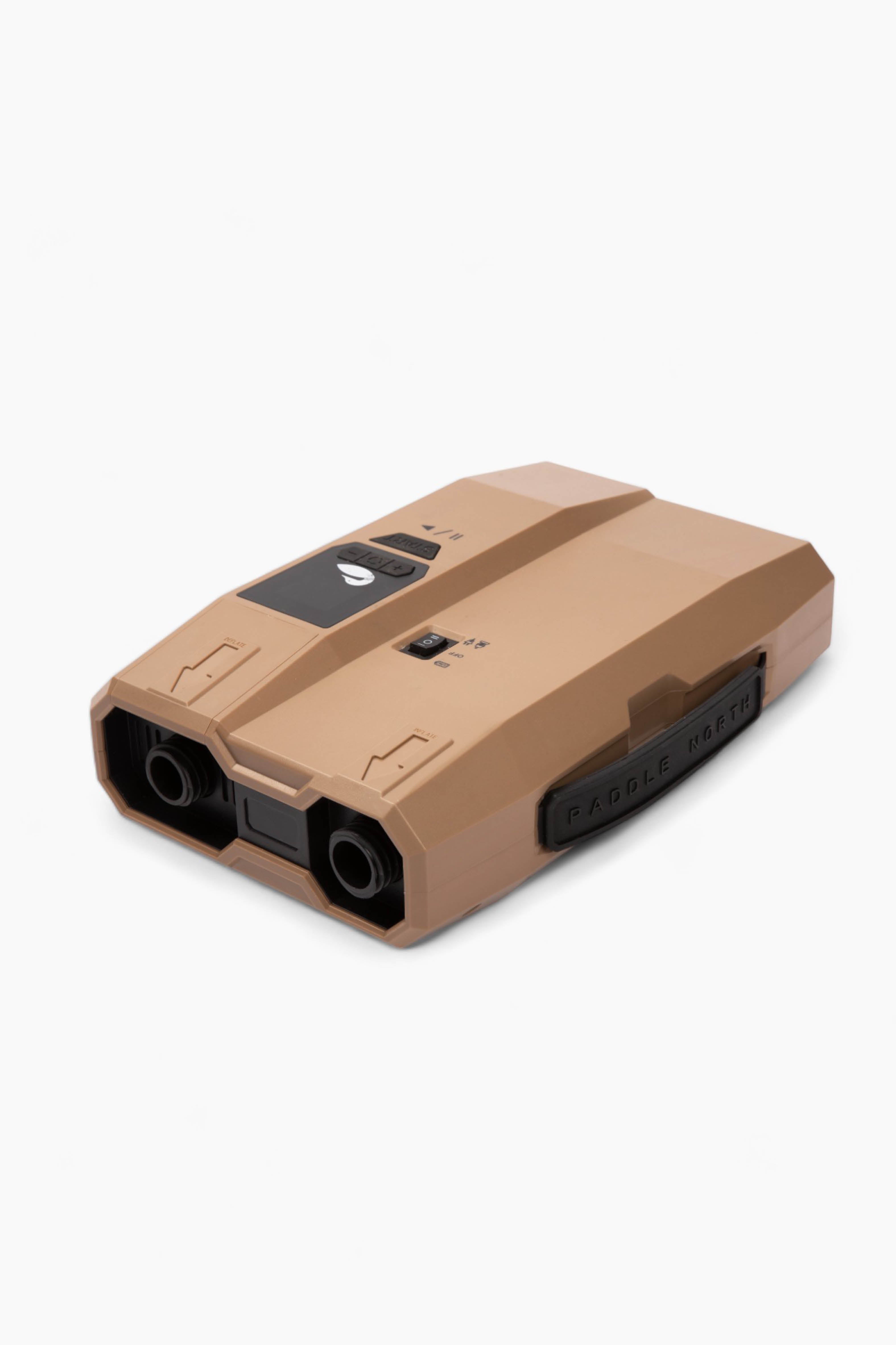
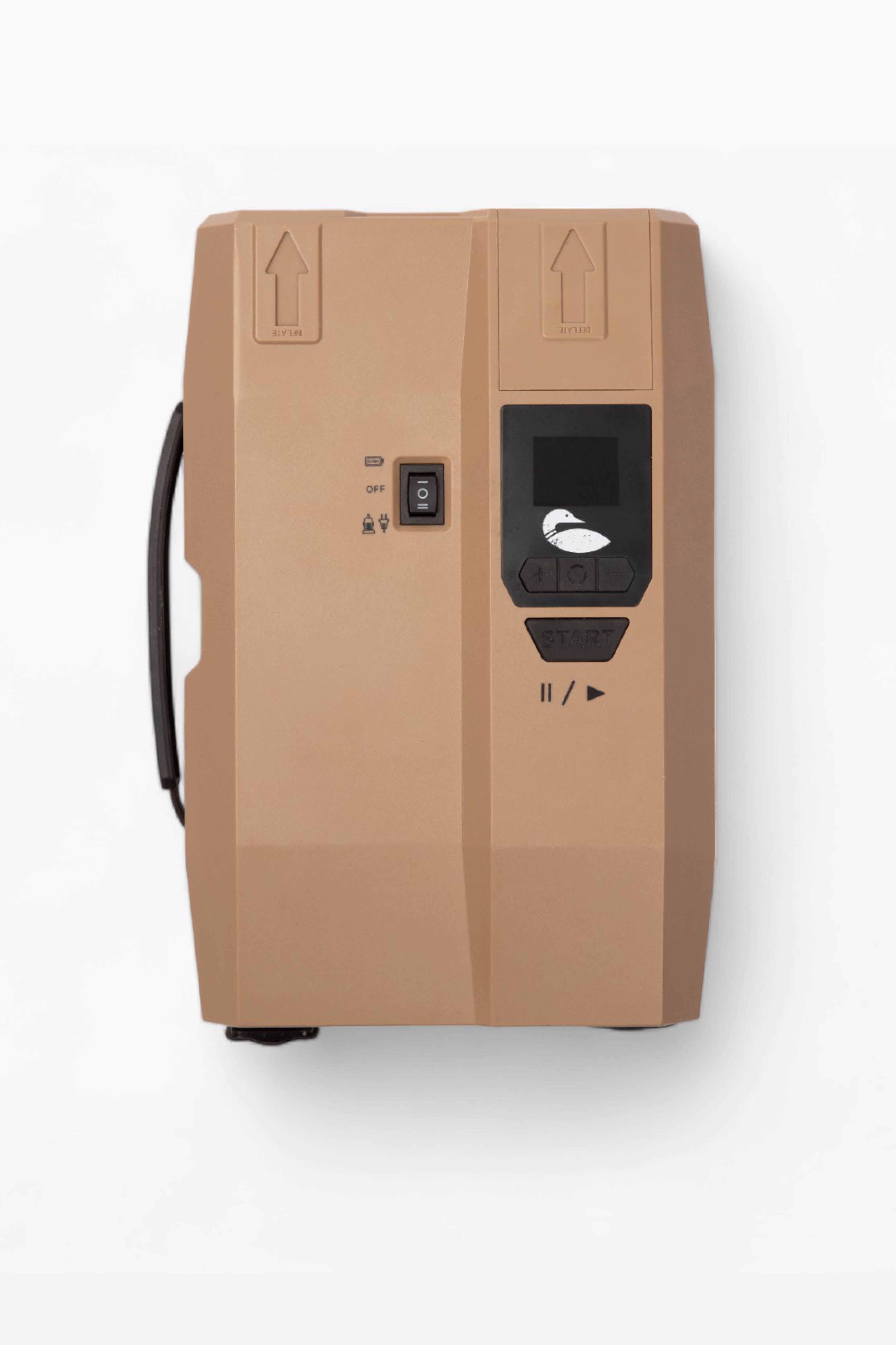
Electric pumps and air compressors may also be used to inflate the Dock Log 2.0.
Paddle North offers compatible electric pumps and adapters, but any compatible off-brand pump may also be used without voiding your warranty or damaging the product, provided it is used within the recommended pressure range.
Attaching Your Dock Log
- Position the Dock Log along the edge of your Utility Dock (parallel with the end of the dock that is 6' wide)
- Thread the included strap through the underside D-ring on one end of the Dock Log.
- Route the strap through the corresponding D-ring on outside rail of the Utility Dock.
- Feed the strap through the buckle and pull tight until the Dock Log is snug against the dock.
- Repeat on the opposite end using the second strap.
For additional security (optional): Loop the strap through the top action-mount D-ring on the Dock Log before connecting it to the dock's outer rail D-ring. This can add additional security and stability.
Deflating Your Dock Log
1. Deflate the Dock Log 2.0
Deflating the Dock Log 2.0 takes only a few minutes.
Before rolling the product for storage, allow it to dry completely to help prevent mold, mildew, and unwanted odors.
1.1 Release the Air
Remove the valve cap and press down on the center valve pin until it locks into the down (open) position. This will allow air to flow freely out of the Dock Log 2.0.
Allow the product to sit for several minutes while it fully deflates.
1.2 Optional: Use an Electric Pump
For faster deflation, a compatible electric pump with a deflate (vacuum) function may be used.
To use this feature, connect the pump hose to the deflate port on the pump and allow it to remove the remaining air before rolling the Dock Log 2.0 for storage.
Storing Your Dock Log
Storing the Dock Log inflated or deflated is acceptable. If storing deflated, ensure that the Dock Log is completely dry. If storing in a below freezing temperature, it is better to have the Dock Log unrolled where the seams won’t be stressed.
Popular Accessories